Skip to content
Help Center

How can we help you?

Find answers to common questions, learn how to use platform features, troubleshoot issues, and access resources for AI-powered expense and invoice automation — whether you're getting started, managing invoices, configuring integrations, or using our APIs.

Popular:

Knowledge base

Browse help by topic

Explore our detailed guides and documentation.

9 categories · 62 articles

  • 7 articles

    Getting Started

    Everything you need to begin using Kkgevara.

    Topics

    • Creating Your Account
    • Setting Up Your Workspace
    • Inviting Team Members
    • Uploading Your First Invoice
    • Creating Your First Expense Report
    • Configuring Company Settings
    • Understanding the Dashboard
    Create your account
  • 7 articles

    Account & Security

    Manage your account and keep it secure.

    Help articles

    • Sign In & Sign Out
    • Reset Your Password
    • Enable Multi-Factor Authentication
    • Manage User Roles
    • Update Company Profile
    • Change Email Address
    • Manage Team Members
    Reset your password
  • 7 articles

    AI Invoice Processing

    Learn how to automate invoice management.

    Help articles

    • Upload Invoices
    • Supported File Formats
    • AI Data Extraction
    • Invoice Validation
    • Duplicate Invoice Detection
    • Invoice Status Tracking
    • Bulk Invoice Processing
    AI invoice processing
  • 7 articles

    AI Expense Management

    Manage employee expenses and reimbursements efficiently.

    Help articles

    • Submit an Expense
    • Upload Receipts
    • Expense Categories
    • Expense Approval Process
    • Reimbursement Tracking
    • Expense Policy Management
    • Expense Reports
    AI expense management
  • 6 articles

    OCR & Document Processing

    Understand how AI processes financial documents.

    Topics

    • OCR Accuracy
    • Supported Document Types
    • Improving Scan Quality
    • Extracted Data Fields
    • Processing Time
    • Common OCR Errors
    How our OCR works
  • 7 articles

    Integrations

    Connect Kkgevara with your existing software.

    Help articles

    • QuickBooks Integration
    • Zoho Books Integration
    • Tally Integration
    • Xero Integration
    • SAP Integration
    • API Authentication
    • Webhook Configuration
    Browse integrations
  • 8 articles

    API Support

    Resources for developers integrating with Kkgevara.

    Documentation

    • API Authentication
    • REST API Overview
    • Upload API
    • OCR API
    • Expense API
    • Webhooks
    • Error Codes
    • SDK Guides
    Read the documentation
  • 6 articles

    Billing & Subscription

    Manage your subscription and billing information.

    Topics

    • Pricing Plans
    • Upgrade or Downgrade
    • Billing History
    • Payment Methods
    • Invoice Downloads
    • Subscription Cancellation
    View pricing plans
  • 7 articles

    Troubleshooting

    Resolve common platform issues.

    Common solutions

    • Unable to Sign In
    • Password Reset Problems
    • Invoice Upload Errors
    • OCR Processing Delays
    • Integration Issues
    • API Authentication Errors
    • Slow Performance
    Contact support

Getting started

New to Kkgevara? Start here

Everything you need to begin using Kkgevara.

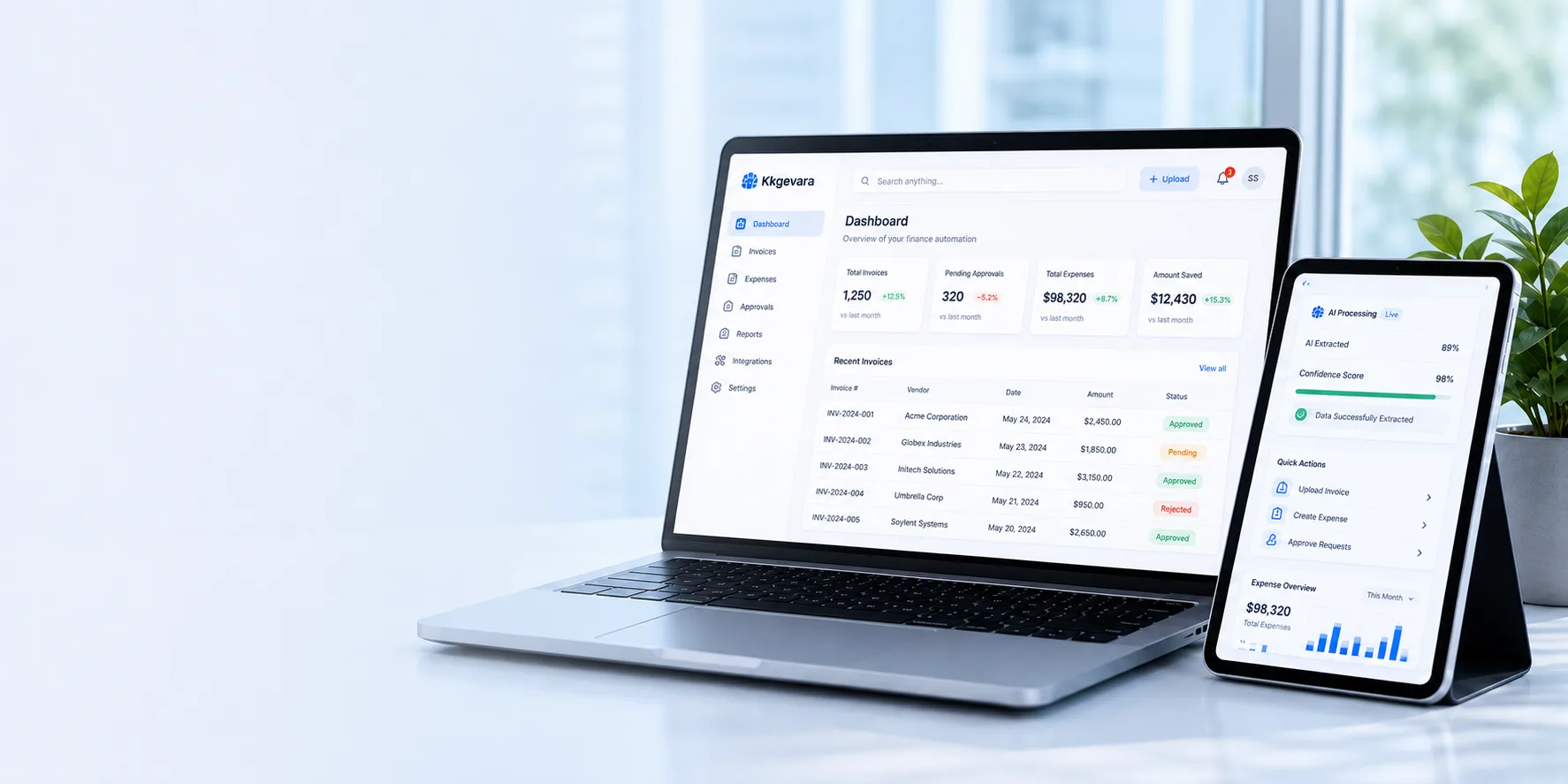
Kkgevara dashboard on a laptop and tablet, showing invoice totals, pending approvals and recent invoices
  1. 01

    Creating your account

    Sign up and get your Kkgevara account ready in just a few minutes.

  2. 02

    Setting up your workspace

    Configure your organization workspace, branding, and preferences.

  3. 03

    Inviting team members

    Add teammates and assign the right roles and permissions.

  4. 04

    Uploading your first invoice

    Upload a document and watch AI extract every key field.

  5. 05

    Creating your first expense report

    Submit, categorize, and track expenses with ease.

  6. 06

    Configuring company settings

    Tailor policies, approval rules, and integrations to your team.

  7. 07

    Understanding the dashboard

    Get a clear, real-time view of your financial operations.

FAQ

Frequently asked questions

Find quick answers to the most common questions about the Kkgevara platform.

Go to the Invoices section, select Upload Invoice, choose your file, and Kkgevara will automatically begin AI-powered processing.

PDF, JPG, PNG, TIFF, and scanned documents.

Yes. Batch invoice processing is available depending on your subscription plan.

Yes. The platform supports integrations with QuickBooks, Zoho Books, Tally, Xero, SAP, Oracle NetSuite, and Microsoft Dynamics 365.

Yes. All data is protected using enterprise-grade encryption, role-based access controls, and secure cloud infrastructure.

Can’t find your answer? Contact our support team

Support

Contact support

Can't find what you're looking for? Choose a channel below — we're here to help.

Support

Need more assistance?

If your question isn't covered in the Help Center, contact our support team for personalized assistance — we're committed to keeping your finance automation workflows running smoothly.