Automate invoice processing with AI
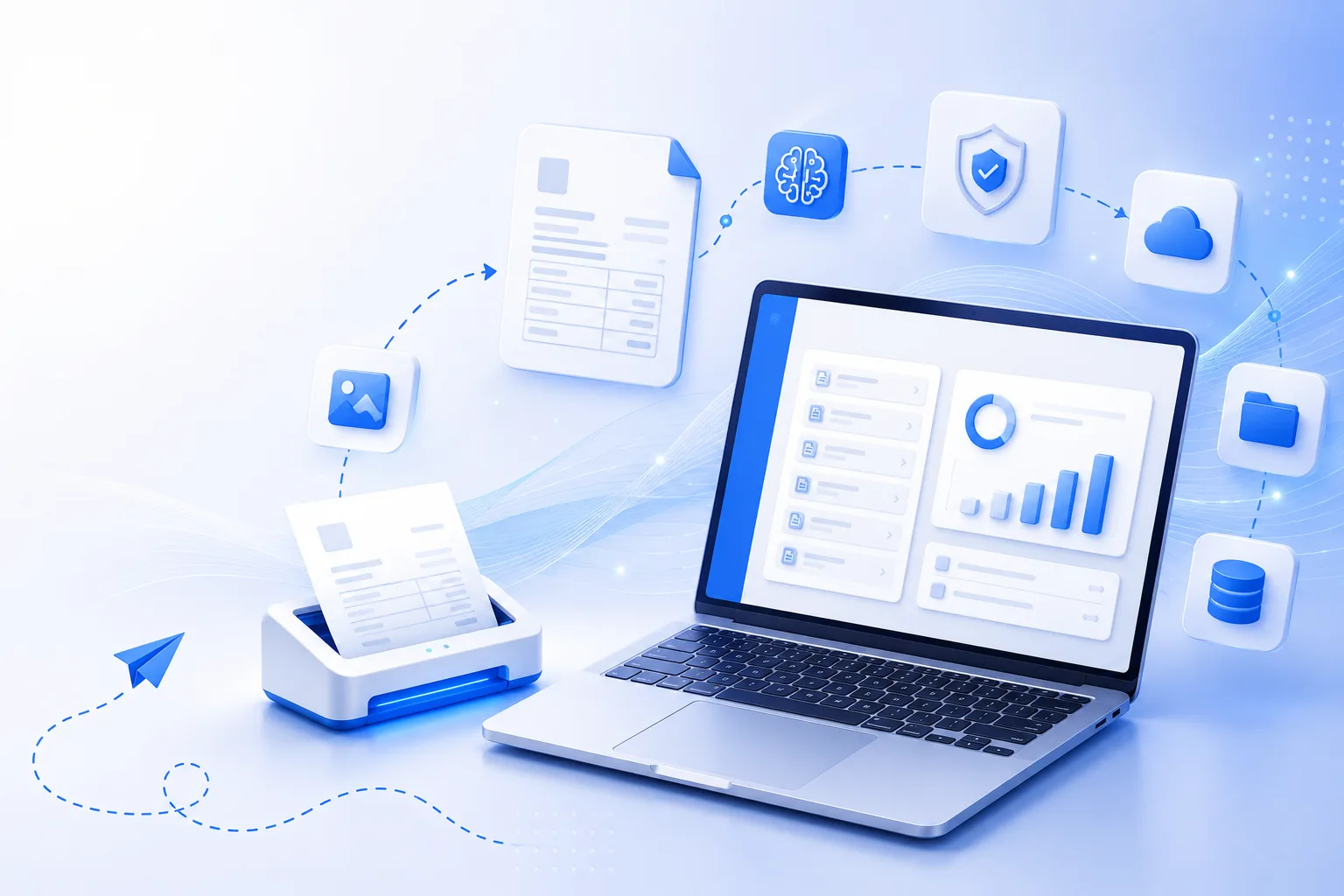
Automatically capture, extract, validate, and organize invoice data from any format — converting invoices into structured financial records with less time and fewer errors.
Why AI invoice processing
Stop entering invoices by hand
Traditional invoice processing means manual data entry, repetitive verification, and lengthy approval cycles — increasing costs, delaying payments, and introducing errors.
Kkgevara automates these tasks so finance teams focus on higher-value work and improve efficiency across the entire accounts payable process.
AI
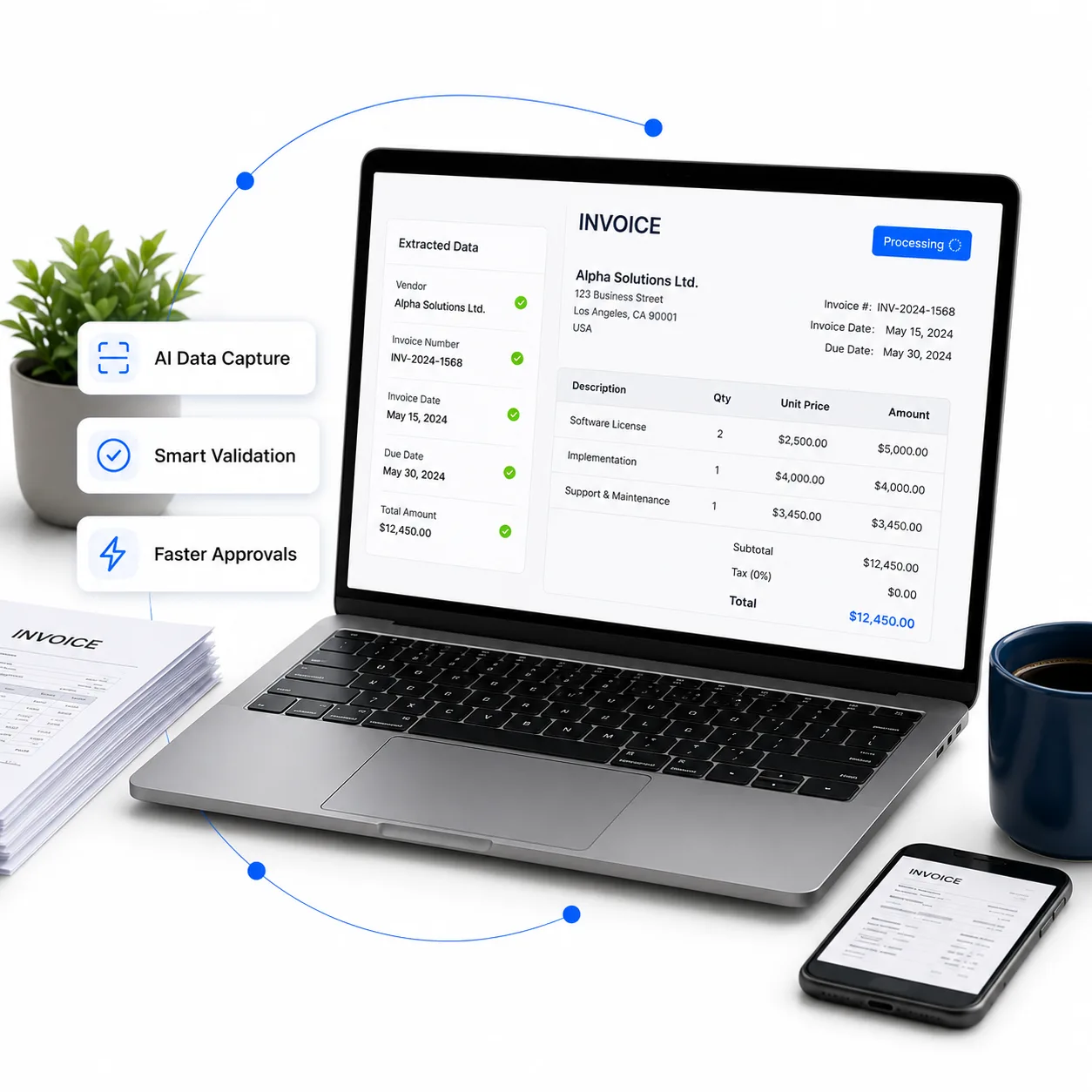
Reads invoices for you
< 1 min
From upload to extracted data
GST
Tax fields extracted
Review
You approve every result
How it works
From upload to synced record
A guided pipeline that turns raw invoices into approved, integrated financial data.
- 01
Upload invoices
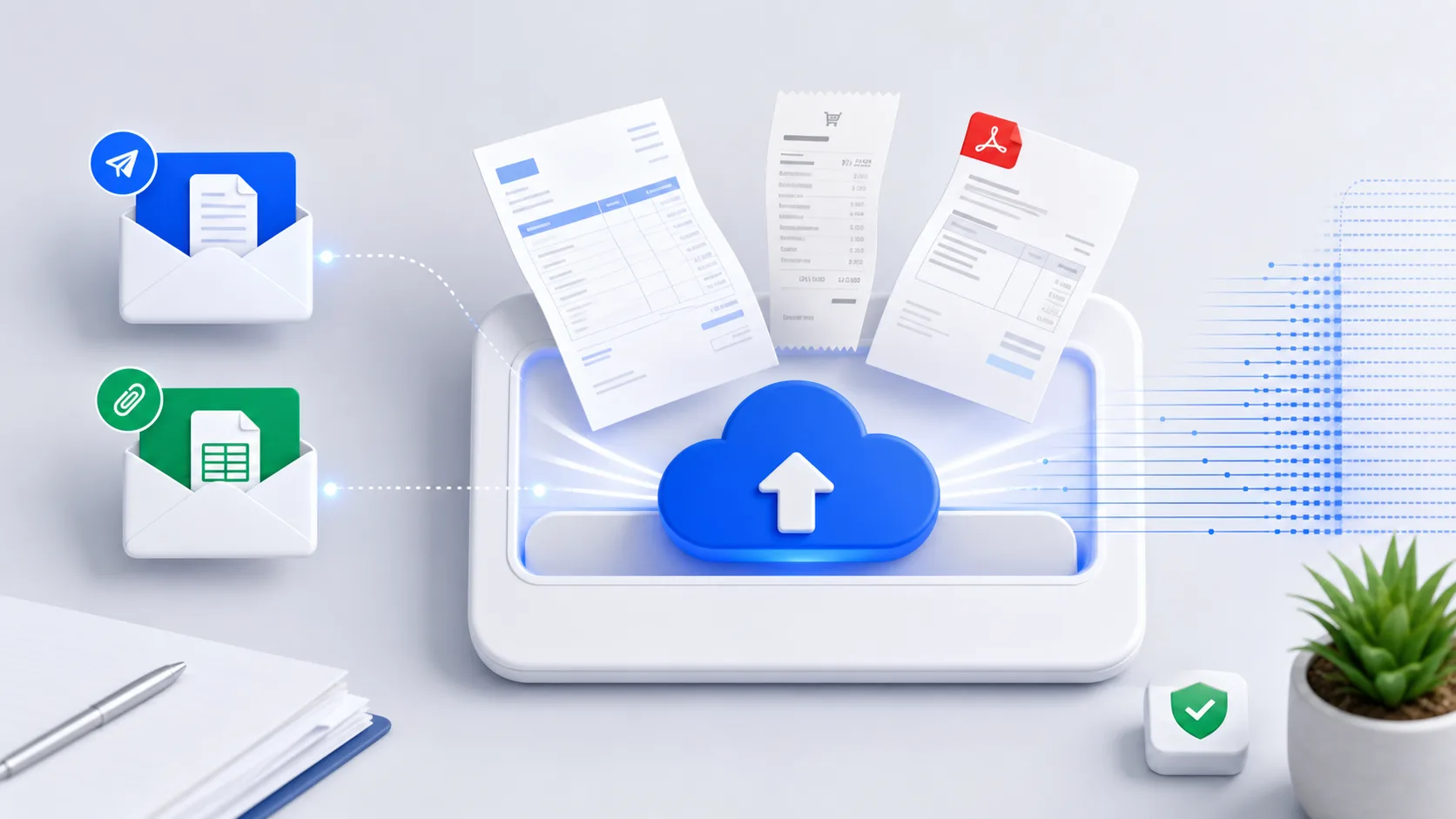
Upload invoices from PDFs, scanned documents, images, email attachments, or cloud storage.
Supported formats
- JPG
- PNG
- TIFF
- Scanned Documents
- 02
AI data extraction
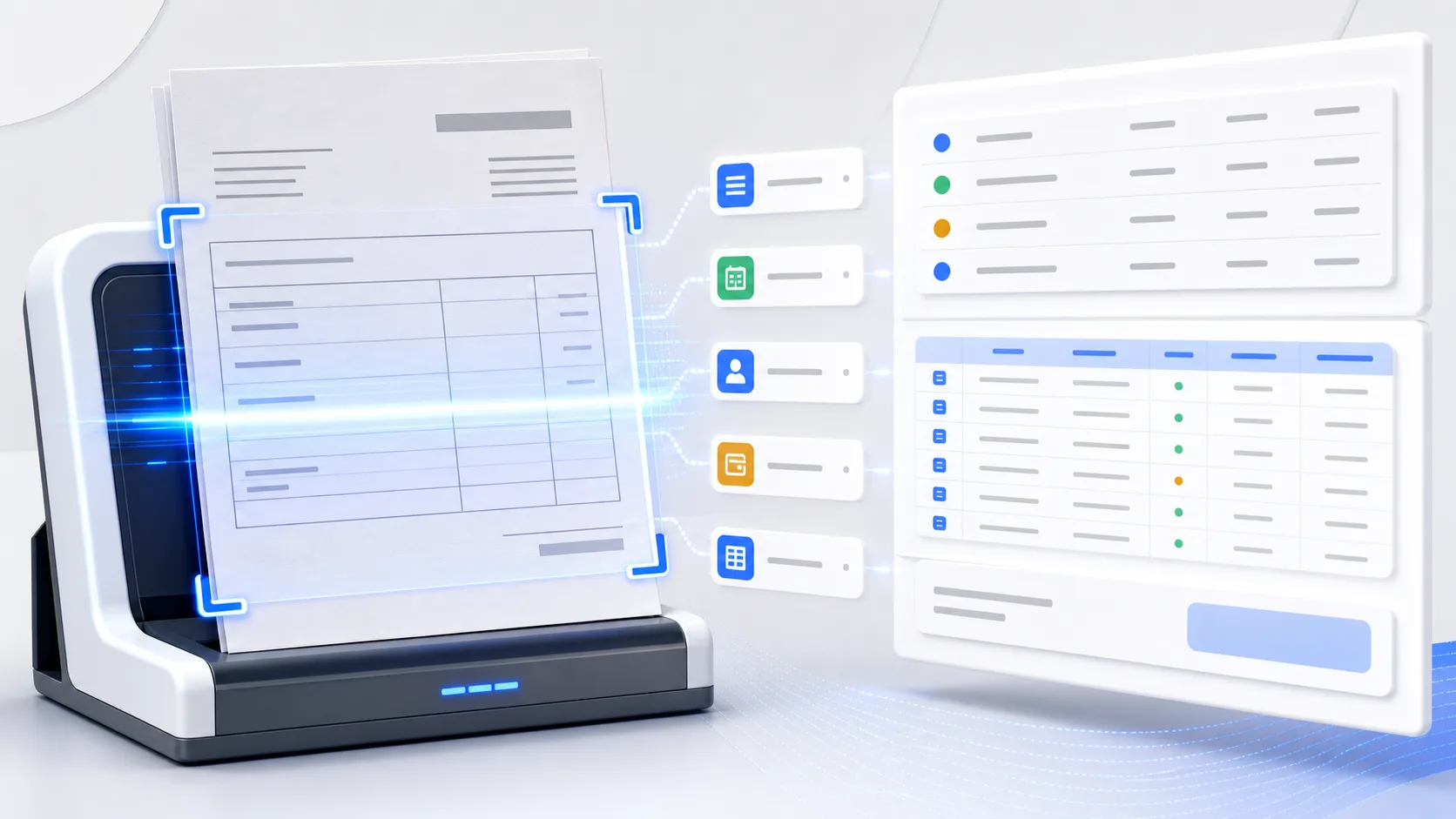
AI and OCR automatically identify and extract important invoice information.
Extracted fields
- Vendor Name
- Invoice Number
- Invoice Date
- Due Date
- Purchase Order Number
- Currency
- Tax Information
- GST/VAT Details
- Line Items
- Total Amount
- 03
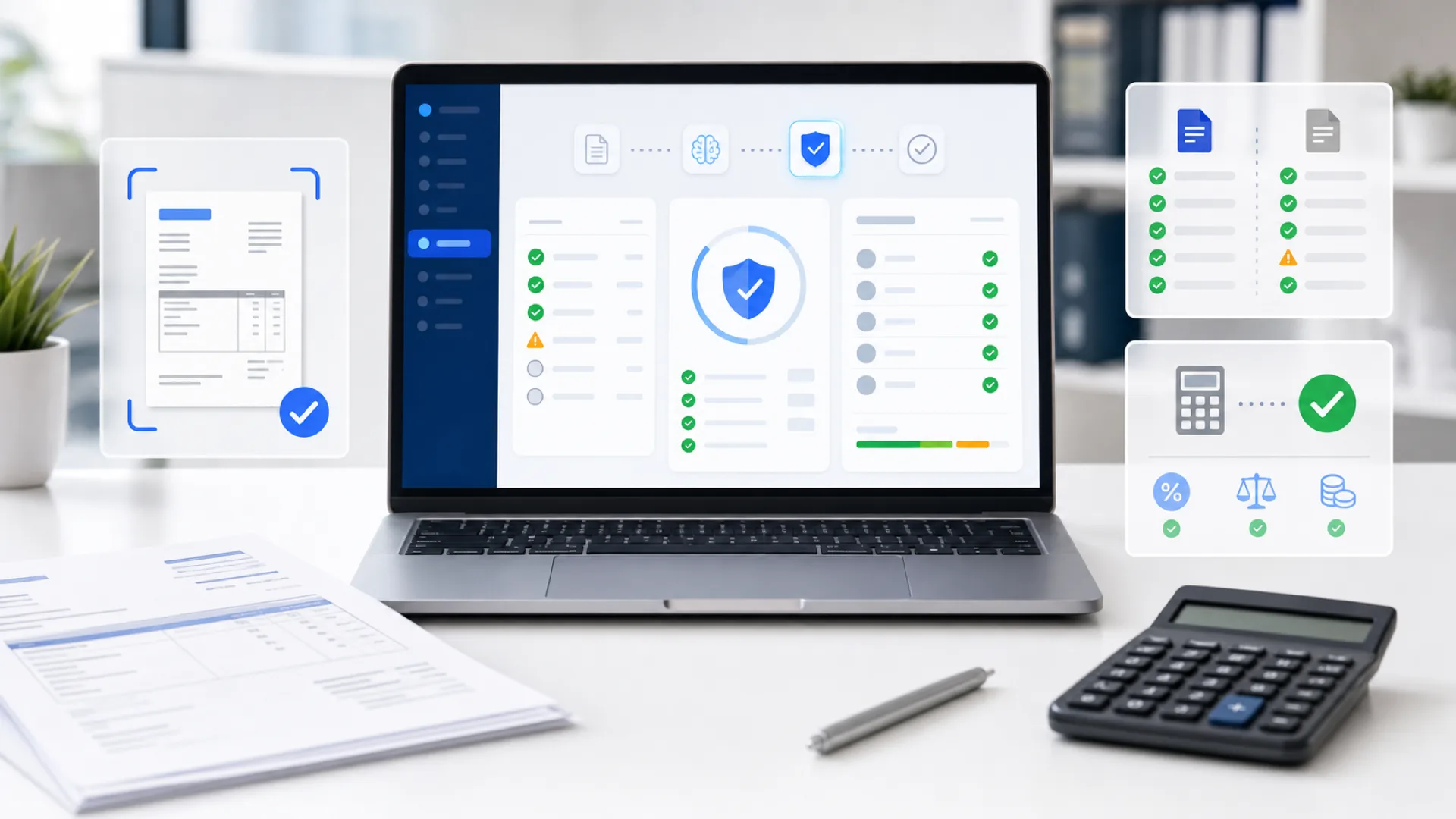
Data validation
Validate extracted information to improve data quality and catch inconsistencies before approval.
Validation checks
- Missing fields
- Duplicate invoices
- Invalid invoice numbers
- Tax validation
- Amount verification
- 04
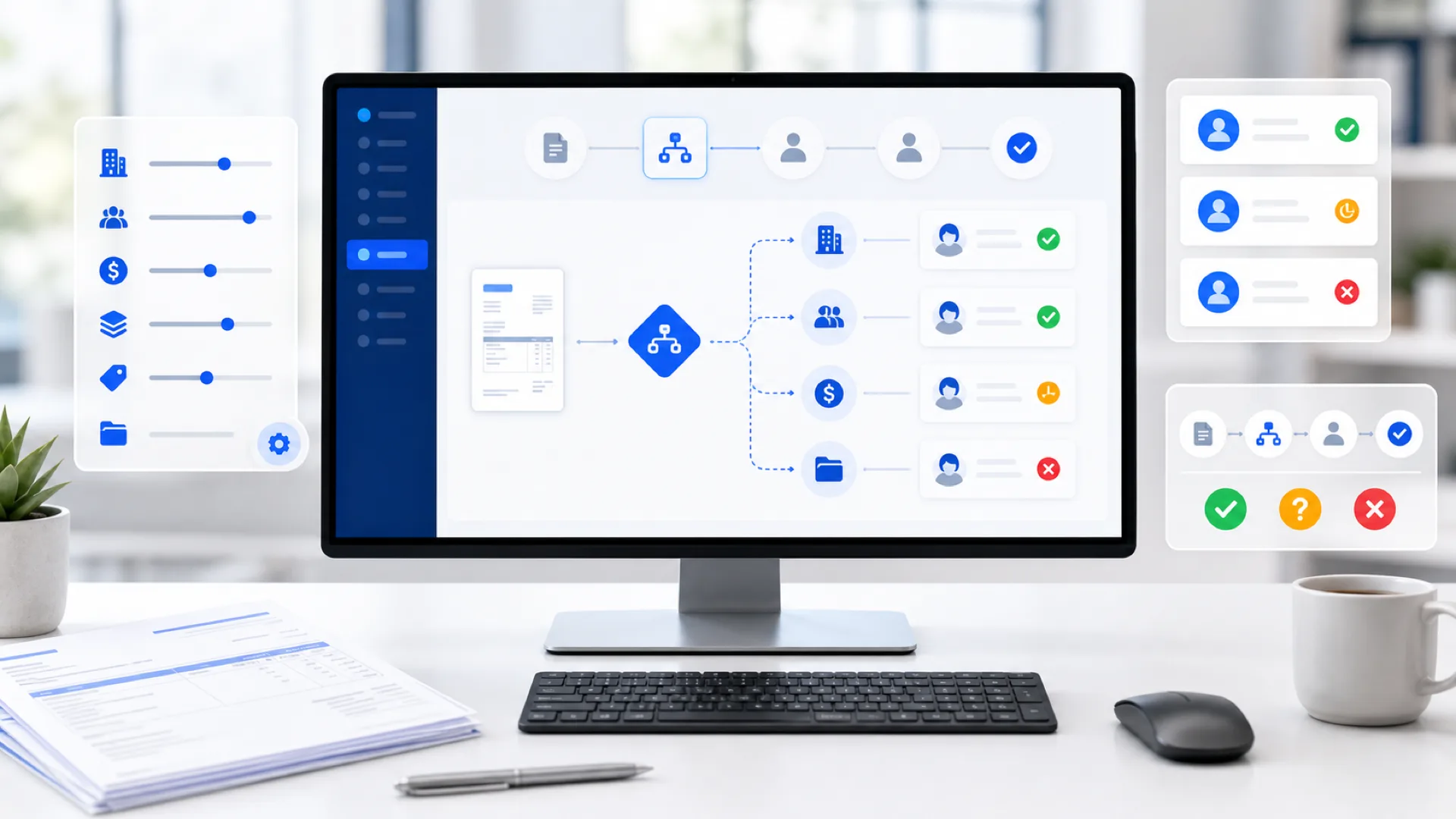
Approval workflow
Invoices route to the right approvers by configurable rules — review, approve, reject, or request more info.
Routing based on
- Department
- Vendor
- Invoice Amount
- Business Unit
- Expense Category
- Project
- 05
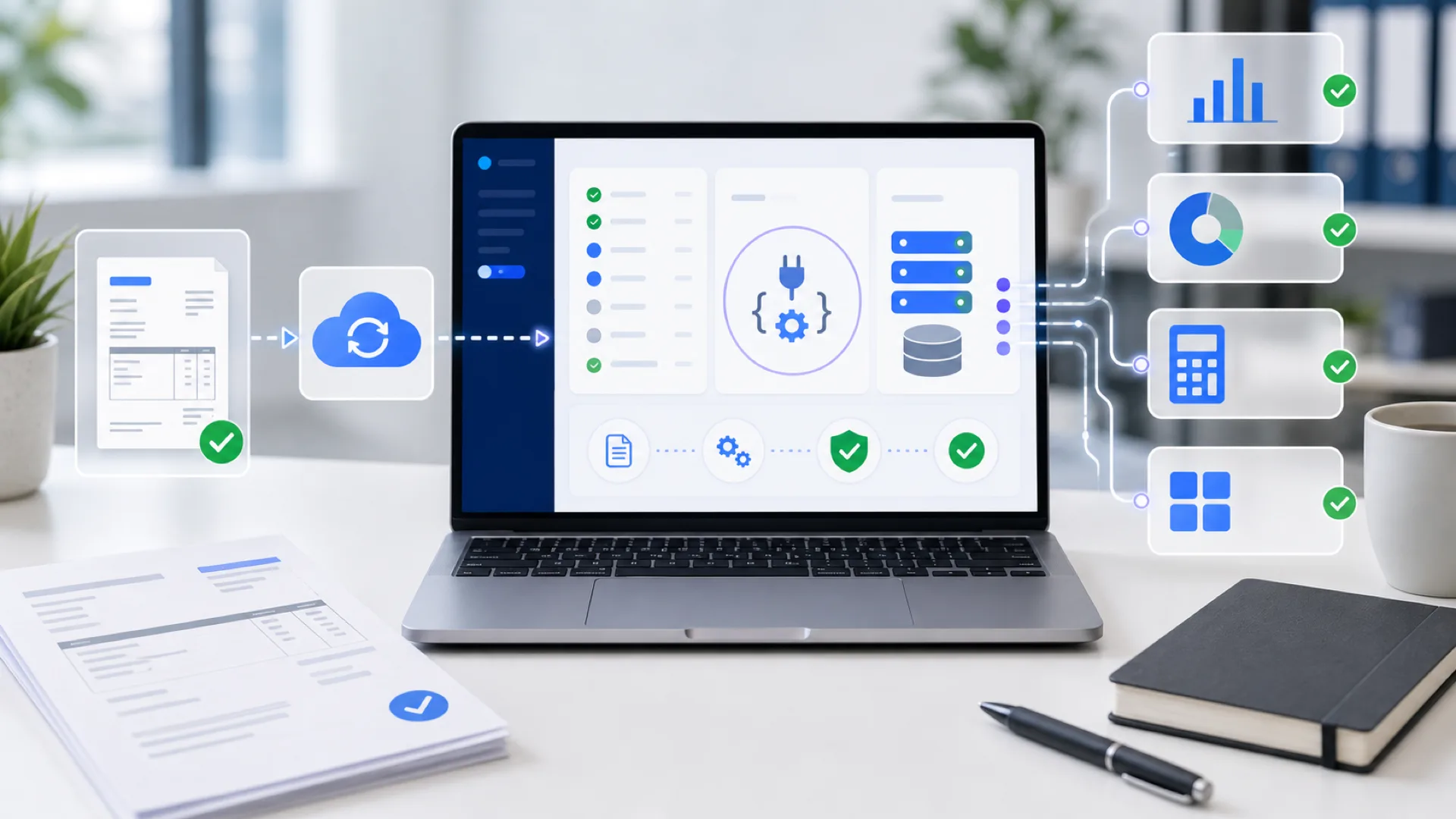
Export & integration
Approved invoice data synchronizes with accounting software, ERP systems, or your apps via secure APIs.
Syncs with
- QuickBooks
- Zoho Books
- Tally
- Xero
- SAP
- Oracle NetSuite
- Microsoft Dynamics 365
- REST API
Key features
Built for accounts payable
Everything finance teams need to capture, validate, route, and track invoices — in one intelligent platform.
Automatic invoice capture
Import invoices from multiple sources without manual data entry.
AI data extraction
Extract financial information automatically with intelligent document processing.
Duplicate detection
Identify duplicate invoices before payment approval to reduce financial risk.
Invoice validation
Verify invoice details and highlight missing or inconsistent information.
Approval automation
Automatically route invoices through customizable approval workflows.
Invoice search
Find invoices instantly using filters or natural language search.
Bulk processing
Upload and process multiple invoices simultaneously.
Real-time tracking
Monitor invoice status from submission to final approval.
OCR technology
Intelligent document recognition
Advanced Optical Character Recognition converts financial documents into structured digital information — accurately, across formats and languages.
- Indian invoices
- GST-ready
- File types
- PDF & images
- Documents
- Multi-page
What the OCR engine recognizes
- Printed text recognition
- Table extraction
- Multi-page document processing
- Currency recognition
- Tax identification
- Multi-language support
- High-accuracy document scanning
Supported invoice types
A wide variety of financial documents, processed automatically.
- Vendor Invoices
- Purchase Invoices
- Utility Bills
- Service Invoices
- Tax Invoices
- Credit Notes
- Debit Notes
- Expense Receipts
Integrations
Connect your finance stack
Approved invoice data synchronizes with the accounting software and ERP systems you already use — or with your own apps via secure APIs.
- QQuickBooks
- ZZoho Books
- TTally
- XXero
- SSAP
- OOracle NetSuite
- MMicrosoft Dynamics 365
- REST API
Security & compliance
Protected end to end
Financial documents contain sensitive business information. Kkgevara protects your data with enterprise-grade security practices at every layer.
- End-to-end encryption
- Secure cloud storage
- Role-based access control
- Multi-factor authentication
- Audit logs
- Secure API access
- Automated backups
Benefits
What finance teams gain
Real, measurable outcomes once invoice processing runs on autopilot.
- Reduce manual data entry
- Process invoices faster
- Improve data accuracy
- Prevent duplicate payments
- Accelerate approval cycles
- Improve financial visibility
- Simplify audit preparation
- Reduce operational costs
- Integrate with existing finance systems
- Scale invoice processing as you grow
Built for every industry
Suitable for organizations of every size, across many sectors.
- Small Businesses
- Enterprises
- Accounting Firms
- Retail
- Manufacturing
- Logistics
- E-commerce
- Professional Services
- Healthcare
- Technology Companies
From hundreds to thousands of invoices a month — scale processing as your business grows.
Why Kkgevara
Invoice processing, built for scale
Kkgevara combines AI, OCR, workflow automation, and enterprise-grade security to simplify financial operations and help teams make faster decisions.
- No credit card required
- Free workspace setup
- Cancel anytime